
Preventing Interference
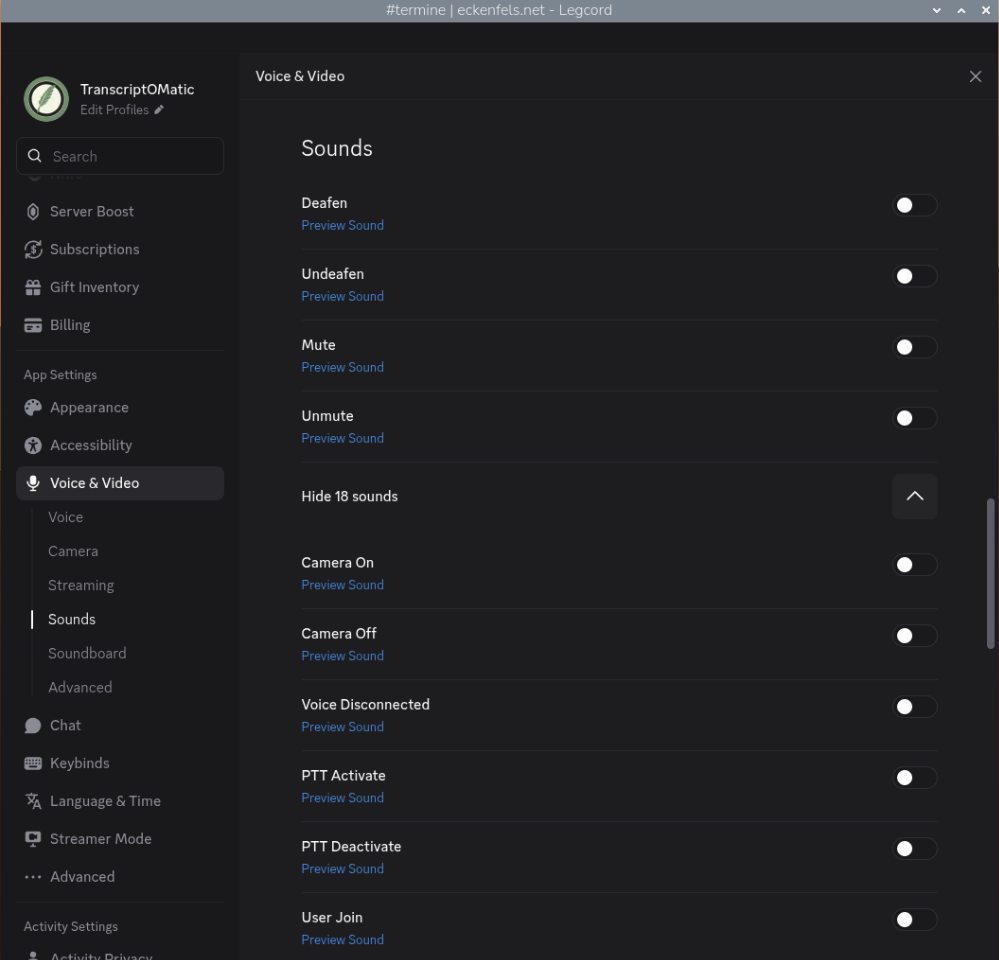
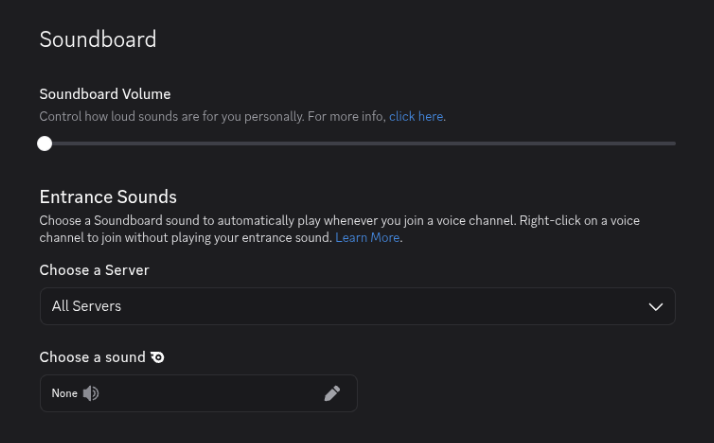
In Legcord, open the Discord Voice & Video settings:
- Setting all Sounds to off
- Setting the Soundboard Volume to off
Discord's notification sounds and soundboard audio would otherwise be picked up by the virtual microphone and fed into the transcription, giving you lower-quality results. This is especially relevant when working with a smaller model like tiny, which has less capacity to filter out irrelevant audio.
No comments to display
No comments to display