
(Optional) Activating VNC
Consider this if you want to run TranscriptOMatic without a display hooked up to the device.
VNC allows you to access the Raspberry Pi desktop remotely from another computer.
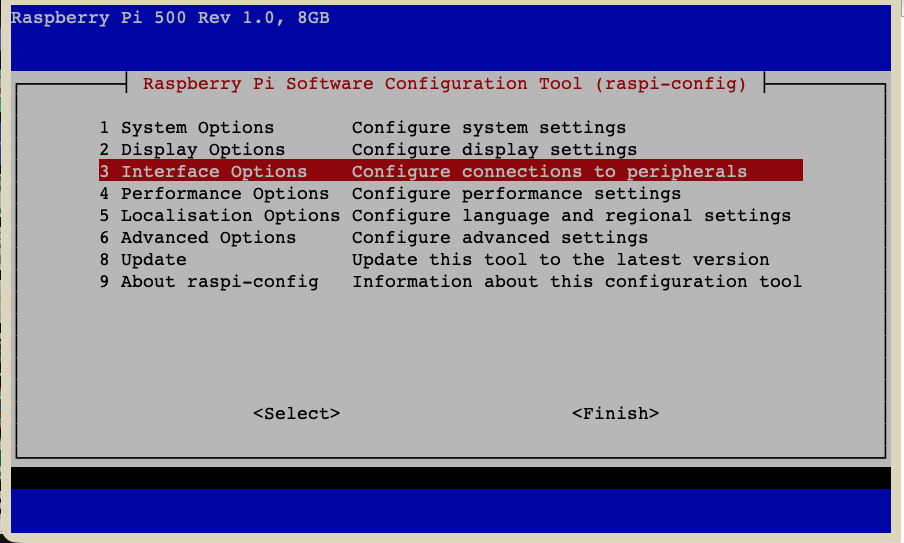
Log into your Raspberry Pi — either via ssh or via GUI, if you have a monitor (and keyboard) connected. On the GUI, open a terminal. Start raspi-config:
sudo raspi-config- Go to
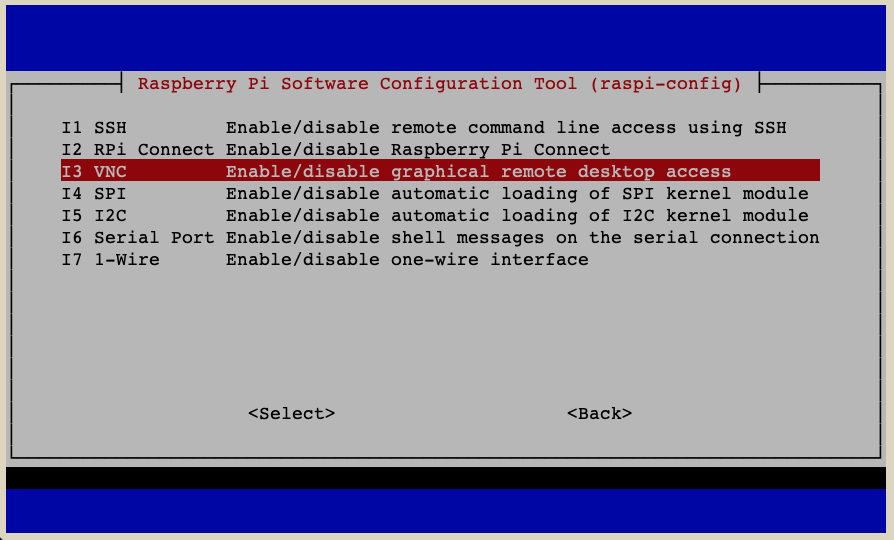
3 Interface Options - Go to
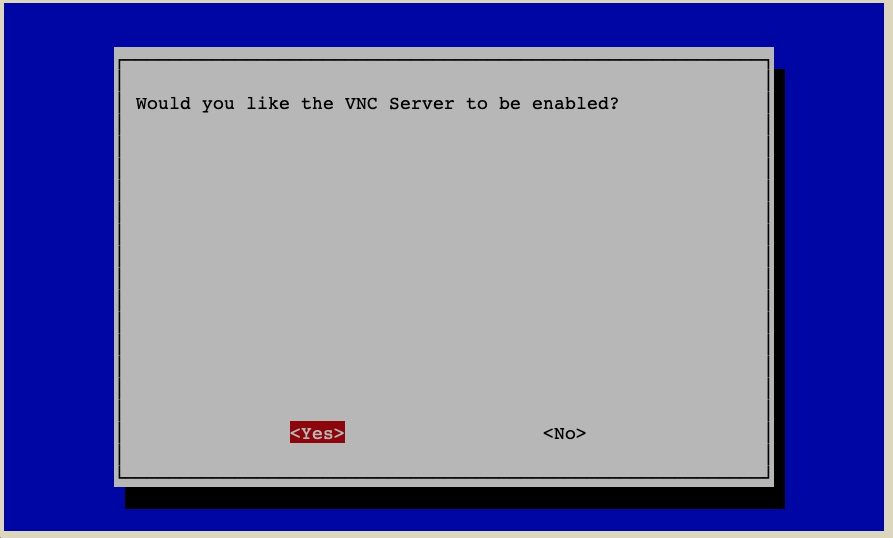
I3 VNC - Choose
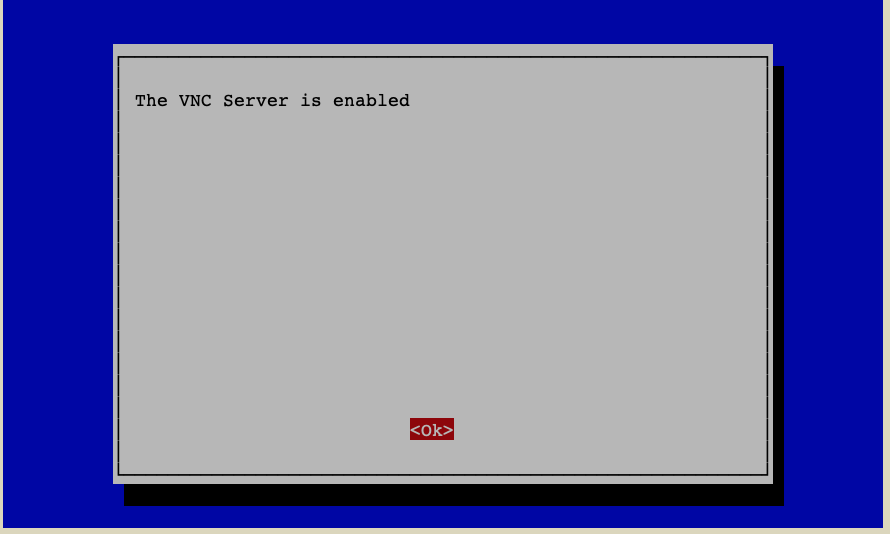
Yes - Leave
raspi-config
No comments to display
No comments to display