(Optional) Activating VNC
Consider this if you want to run TranscriptOMatic without a display hooked up to the device.
VNC allows you to access the Raspberry Pi desktop remotely from another computer.
Log into your Raspberry Pi — either via ssh or via GUI, if you have a monitor (and keyboard) connected. On the GUI, open a terminal. Start raspi-config:
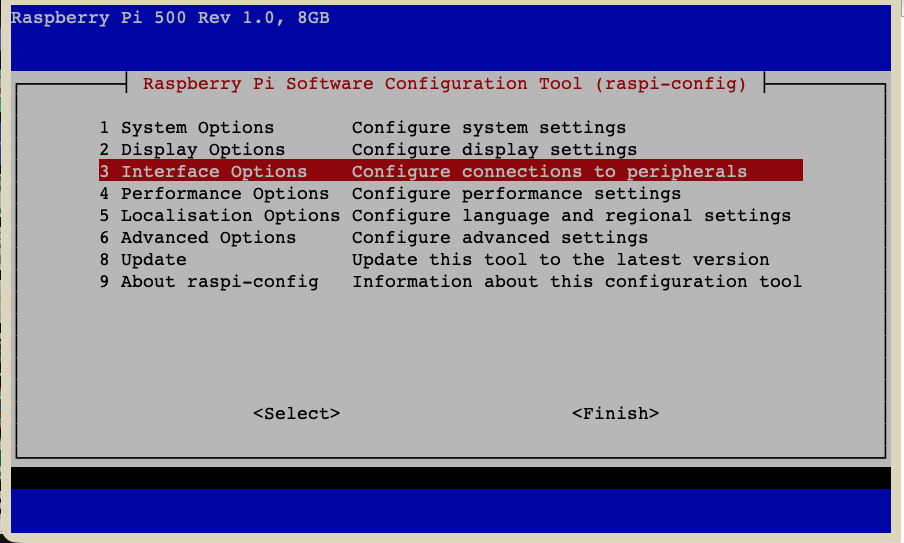
sudo raspi-config- Go to
3 Interface Options - Go to
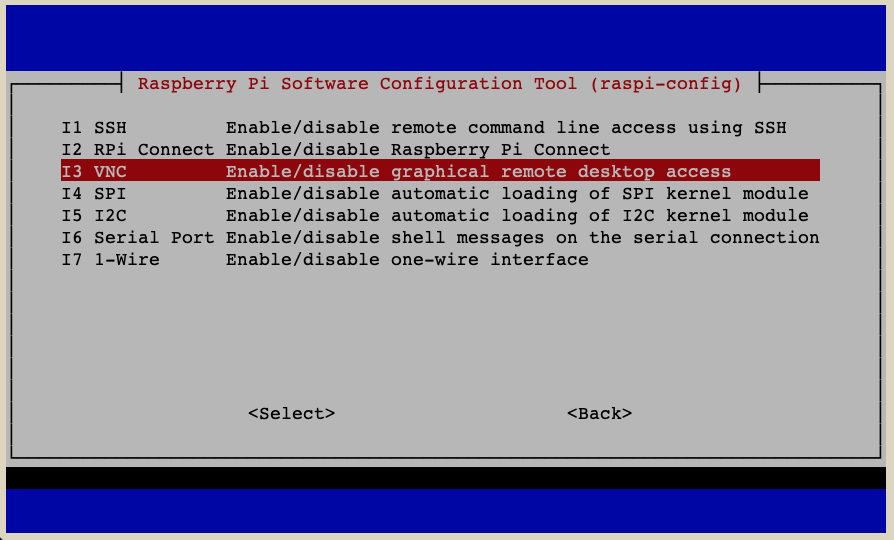
I3 VNC - Choose
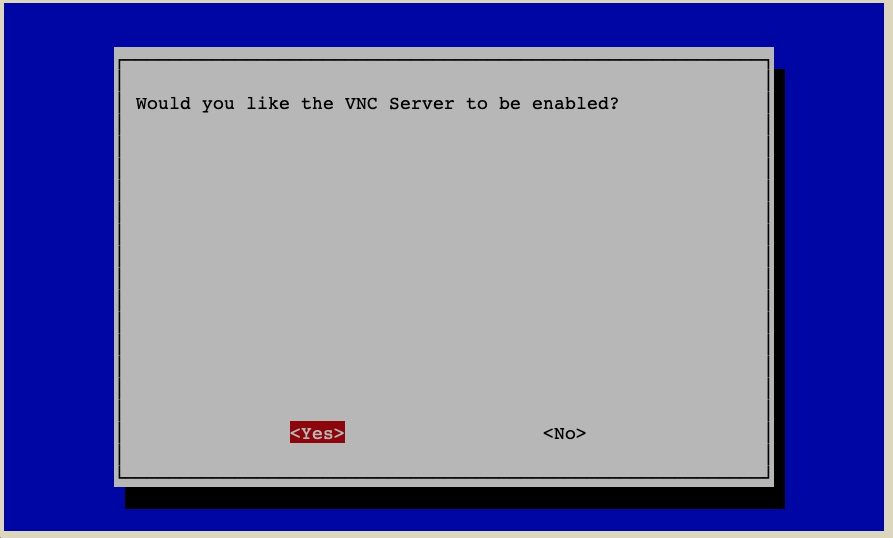
Yes - Leave
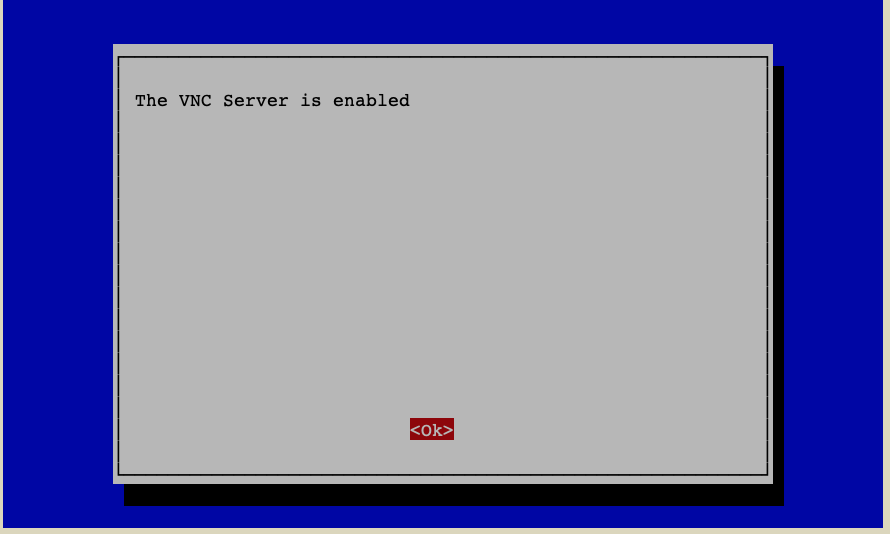
raspi-config