
Storage & Preventing Data Loss
SD Cards Are Not (Really) a Storage Medium
The Raspberry Pi 500 uses an SD card as main storage medium. While modern SD cards offer plenty of space, they are by far not a secure storage medium. A potential failure of the SD card and resulting data loss will be a real concern, especially when your applications writing a lot of data on the card — as audio capture typically does.
There are several steps you can take, to prevent data loss:
- Using a normal Raspberry Pi 5 with added SSD storage
- Attaching external storage (this might lead to problems, if writing to the device will become too slow)
- Syncing the files in the background with another device.
While 1. will make your project sadly a lot more expensive, the second option can be done with Open-Source tools.
Installing Syncthing
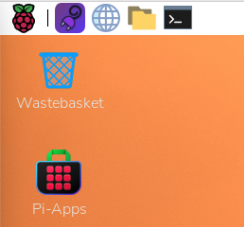
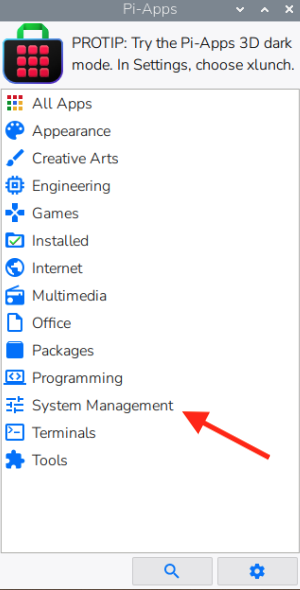
Open Pi-Apps and from the System Management menu choose and install Syncthing.Syncthing.
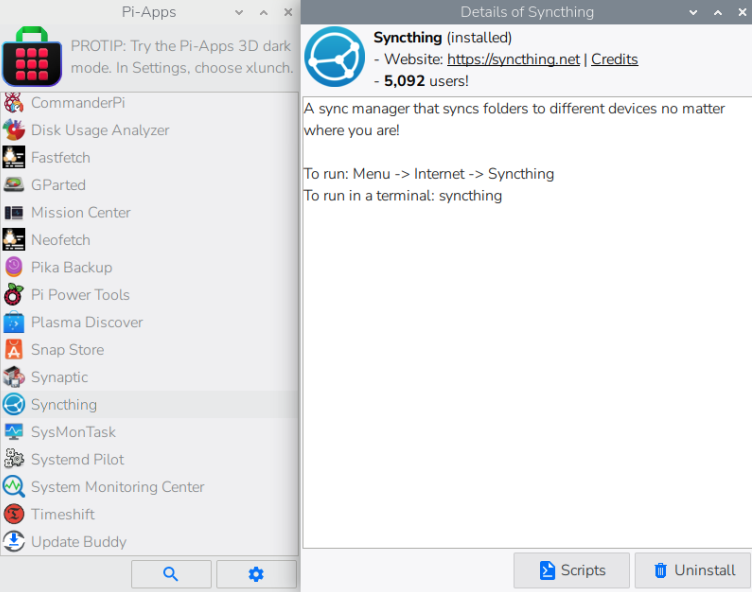
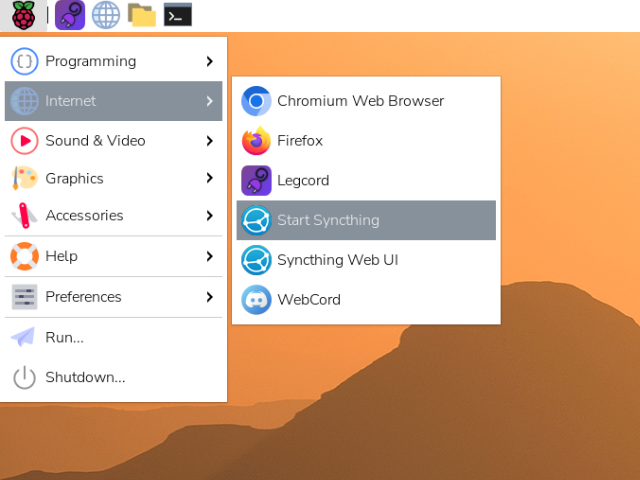
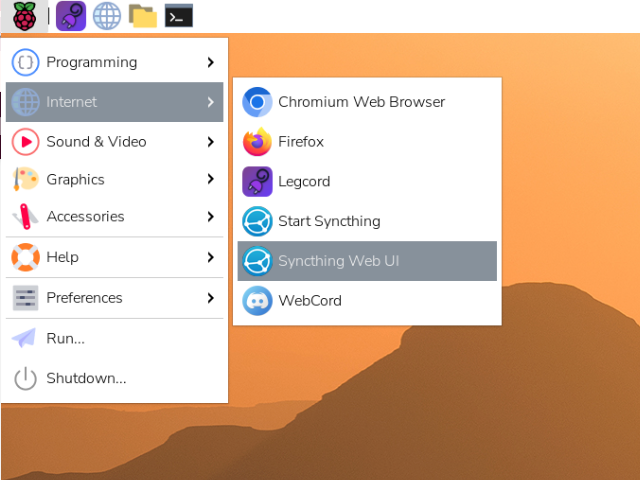
After the installation finished, first start Syncthing and then open the Syncthing Web UI. (Usually http://localhost:8384/)
Now configure your transcripts folder ~/meetings/recordings as a synced folder and invite another device in your home network to join. If you like, you can set this folder to "Send only".
You have to set-up Syncthing on both devices first.
I recommend to set versioning for this folder to "Off".
If you use file sync, remember to delete the recordings from all your devices after your session is finished and the transcript written.