
Installing Legcord
The official Discord client currently isn't available for devices operating ARM processors on Windows or Linux2. The app Legcord will act as a replacement.
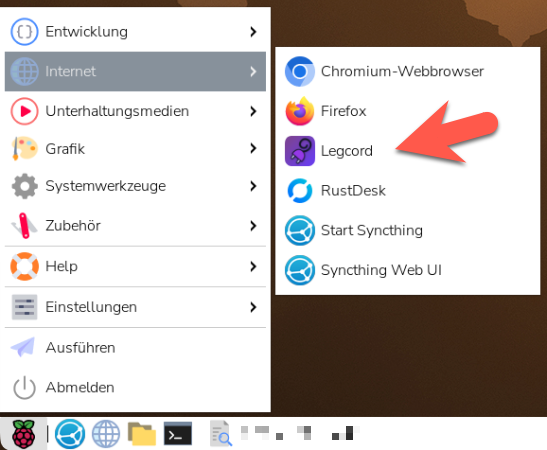
Start Legcord from the applications menu. This will start Legcord via the /opt/Legcord/legcord-wayland.sh script and thus with the right settings for the Raspberry Pi Wayland GUI.
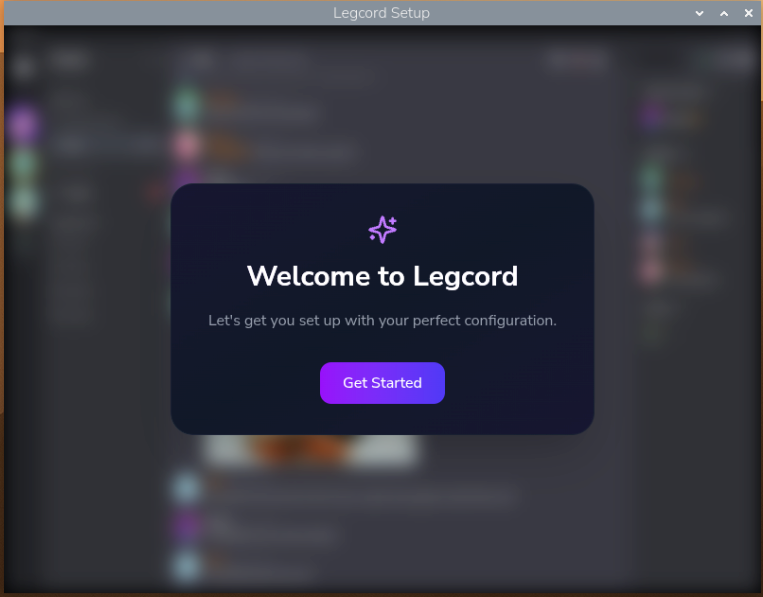
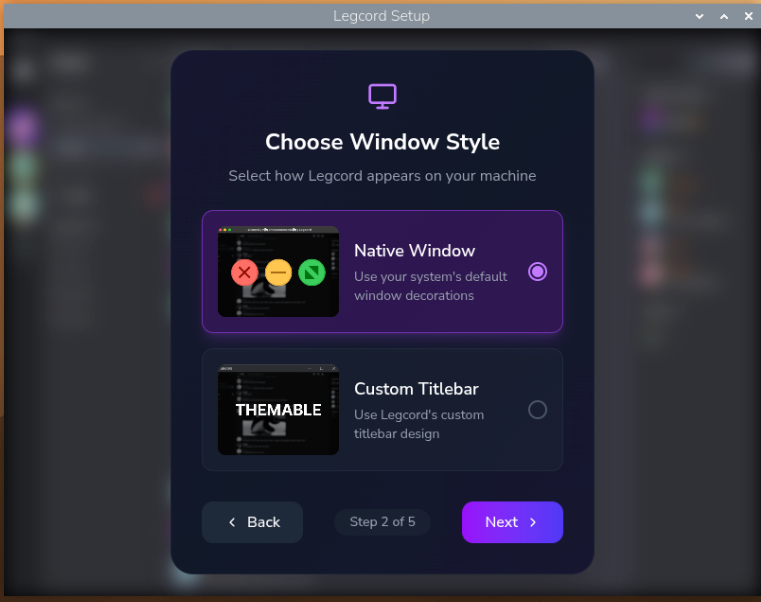
When starting Legcord for the first time, you'll be asked to set some basic options.
2) There is an official Discord client for macOS on ARM processors, though.